 Indian in Saudi Arabia
· indianinsaudi · jobs-employment · 2 min read
GOSI Registration | Appointment, Experience Certificate Online
GOSI or General Organization for Social Insurance is an organization in Saudi Arabia that manages its social insurance programs. GOSI provides services to a wide range of individuals, including employees, employers, retired personnel, and others. This article details Procedure to register in GOSI, Extract Work Experience Certificates from GOSI
Register in GOSI / Access Your GOSI Account Online
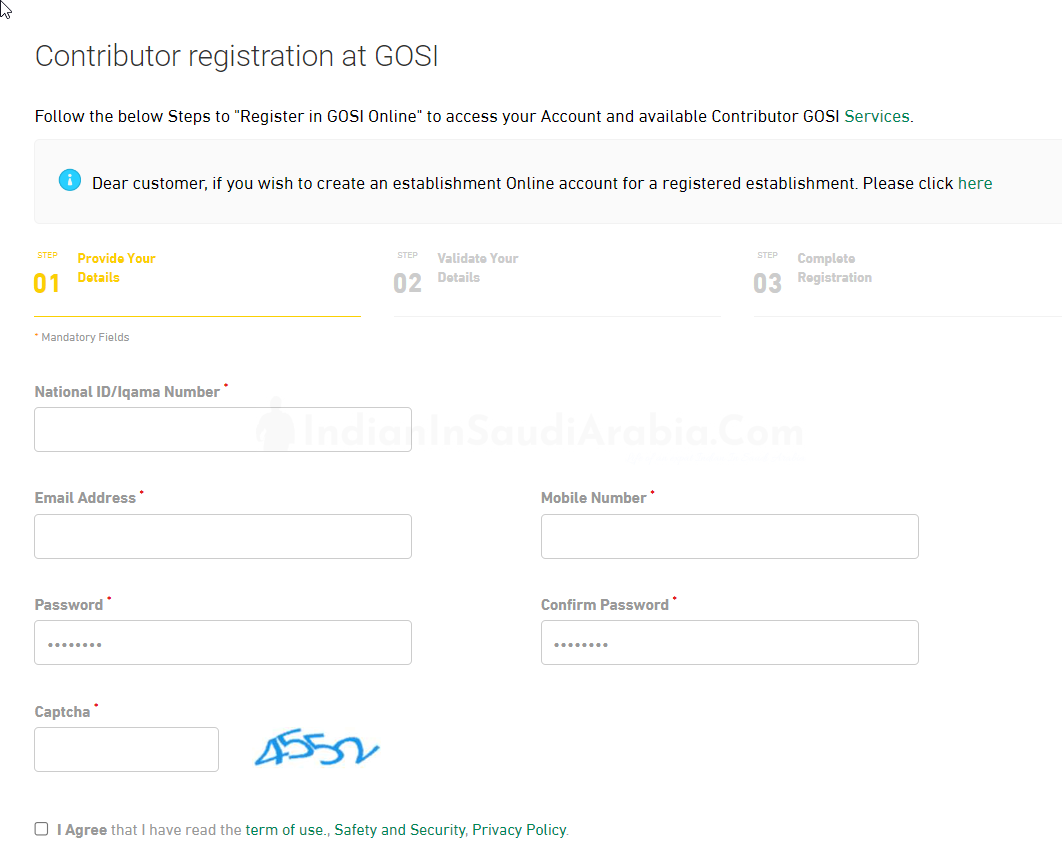
Your employer registers you with GOSI when you start work, so expat employees do not register themselves as contributors. What you do yourself is log in to see your record:
Go to gosi.gov.sa, choose the individuals login and sign in through the National Single Sign-On with your Absher username and password (approve the login in the Nafath app if asked).
You can also use the official GOSI app (formerly called Taminaty) on iOS or Android.
Update (November 2026): the old GOSIOnline registration and login links that this guide used to show now redirect to the GOSI home page.
GOSI Work History or Experience Certificate Online
Below Procedure explains how to access Your GOSI Work History or Work Experience Certificate
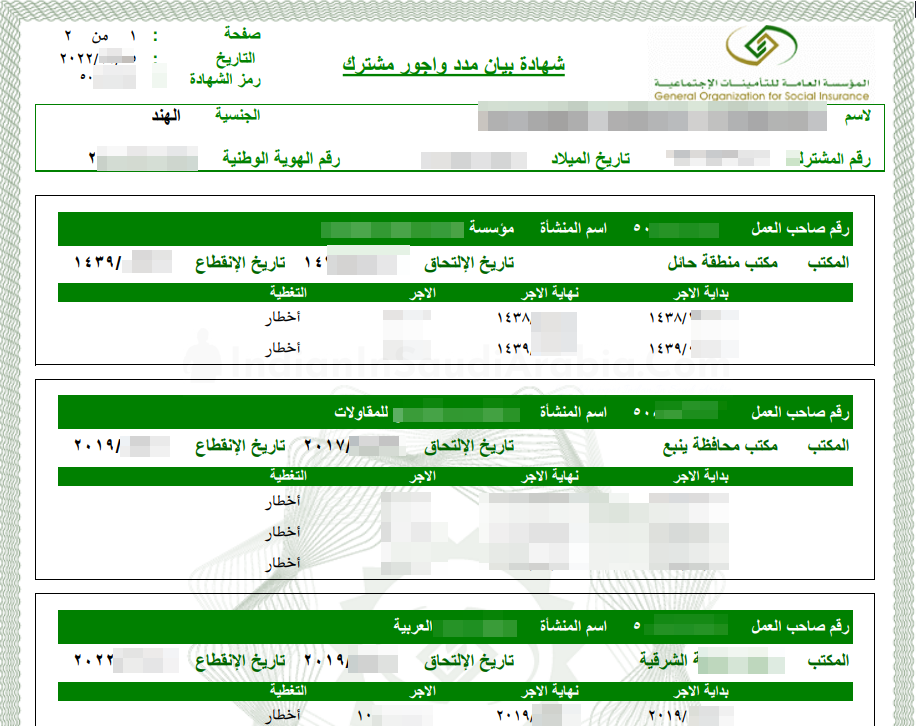
- Open GOSI’s Issue Wage e-certificate service, click Start Service and log in. Choose the Certificates icon, then the Wages certificate (this is the certificate that shows your contribution periods and wages, for Saudi and non-Saudi contributors). The screenshot below is from the older portal, so your screen may look different
2. The certificate is generated straight away and you can download, save or print it.

3. Sample of Work History or Experience Certificate from GOSI KSA
4. You can also issue and view your wage certificate in the official GOSI app (formerly Taminaty)
Where to Find GOSI Registration Number?
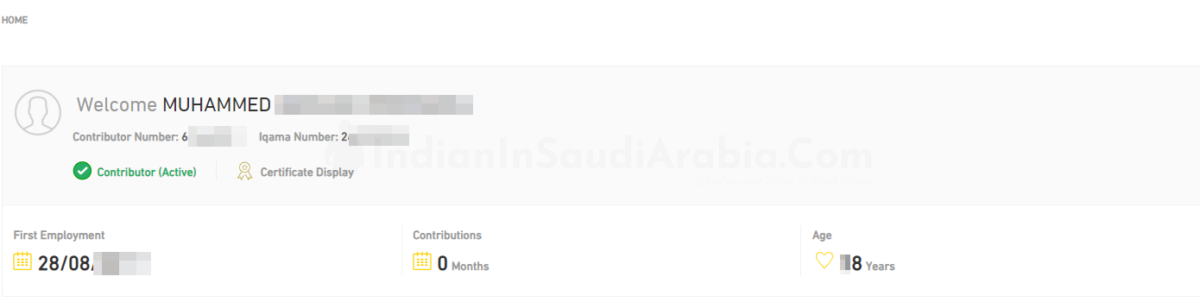
After logging in to GOSI, you will find your GOS Registration number of GOSI Contributor number as shown in Image below

How to Book an Appointment with GOSI
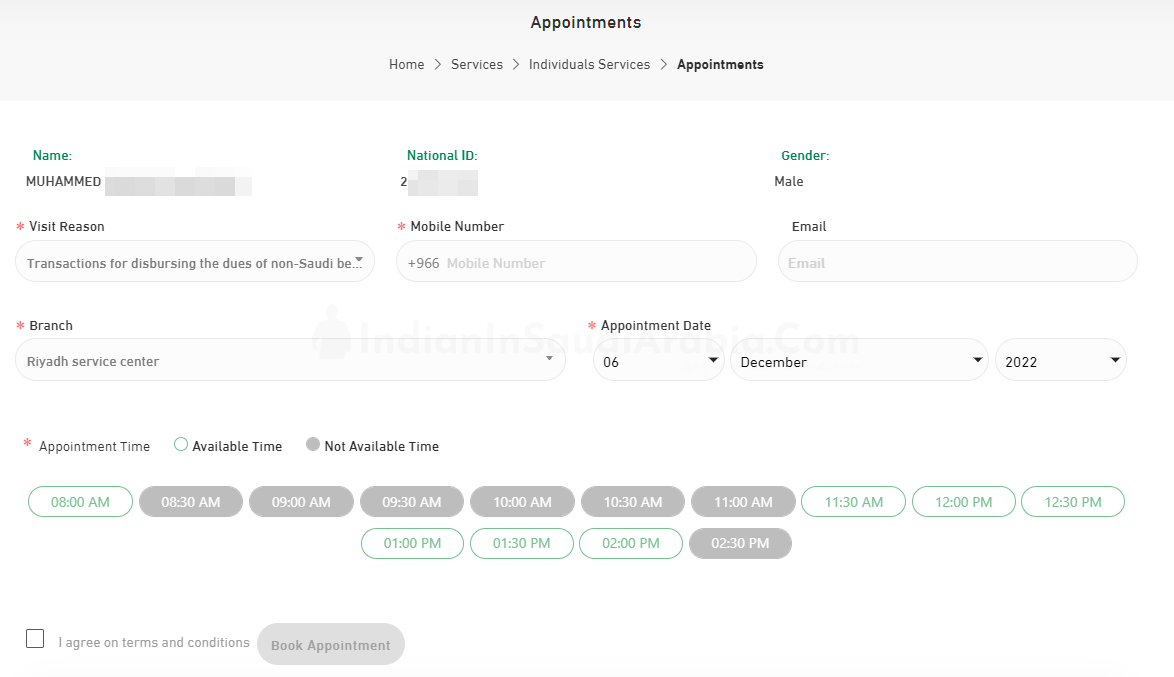
GOSI’s Make an appointment service lets you book a time in advance so that a customer service representative contacts you, without visiting a branch. GOSI also offers a “Virtual visit” (video call) service. The booking steps were as below; the form may have changed since
Visit https://gosi.gov.sa/en/Appointments/PersonalInformation
Enter your Iqama and DOB.
Enter OTP
Select the reason for visit
Choose Date and Time. Book Your Appointment
GOSI Office in Riyadh: General Organization for Social Insurance Main Branch