 Indian in Saudi Arabia
· indianinsaudi · visa-family-visit · 1 min read
How to Check Exit Re Entry Visa Status

Exit re-entry visa (known as Khurooj awdah Visa) enables you to exit from the kingdom and return back within the duration specified in it. In this brief guide, we have discussed procedure to check exit re entry visa online
Visit Muqeem.sa Website
Follow the link to the Muqeem Visa Validity Portal: https://vv.muqeem.sa/
Update (November 2026): The old open form at muqeem.sa/#/visa-validity/check has been replaced by the Muqeem Visa Validity Portal, which asks you to register a free account and log in once before you can run a check. If you have your own Absher account, you can also see your exit re-entry visa status in Absher (Absher Individuals app/website → visa services/inquiries).
Muqeem is an online service that maintains track of expatriates who live and work in Saudi Arabia. It aids Saudi Kafeels in managing data, services, and personnel status. For their international employees, Saudi companies may carry out a number of online tasks utilising muqeem e-services, such as issuing residence cards and exit and re-entry visas.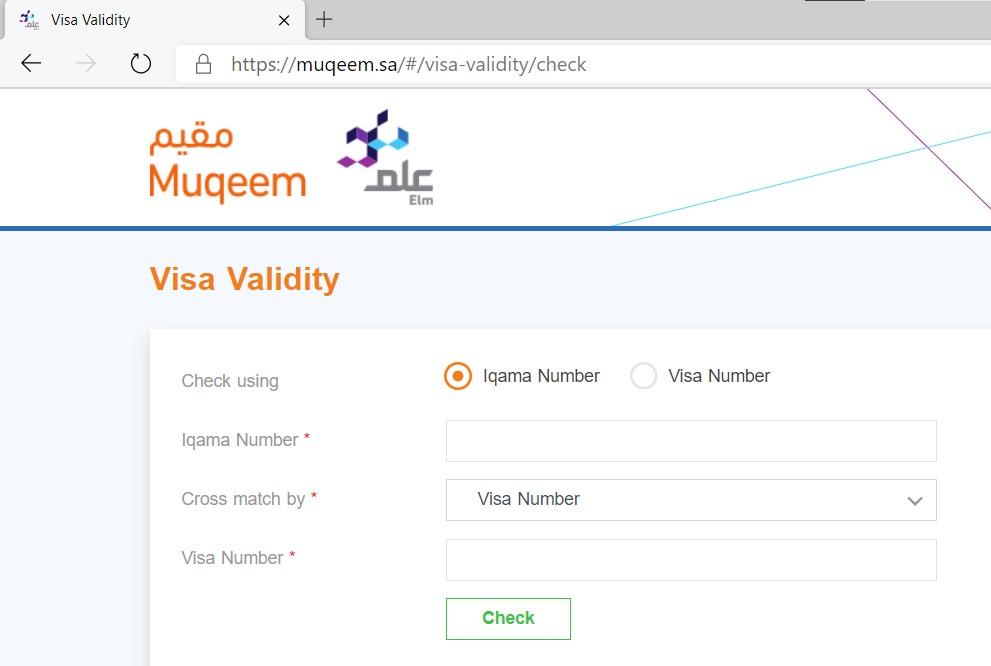
Switch Website Language to English
or you can choose to continue with Arabic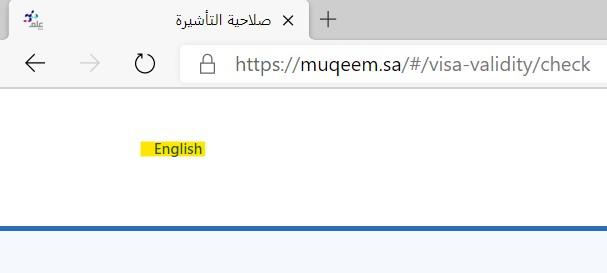
Enter your Iqamah Number and the cross Match by the provided options
After logging in, choose Exit and Return (exit re-entry) as the visa type and enter the Iqama number. The screenshots below show the older version of the form, which let you cross-match using Visa Number, Passport Number, Name, Date of Birth, Iqama Expiry Date or Visa Expiry Date; the fields on the current portal may differ slightly.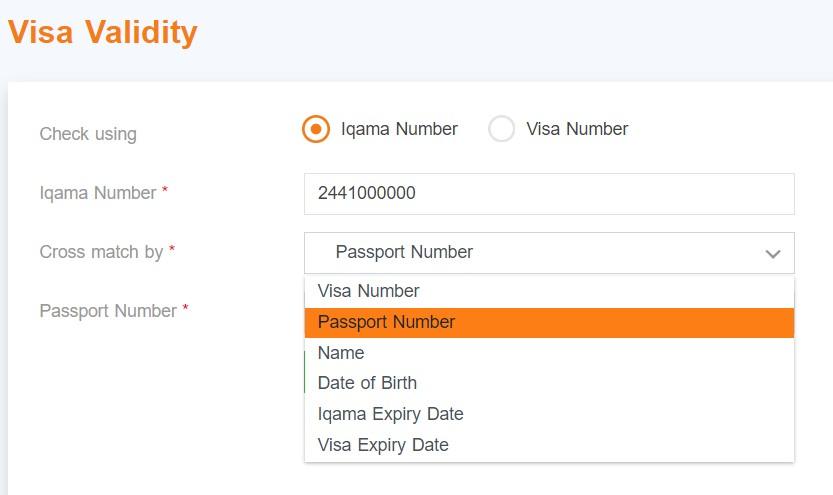
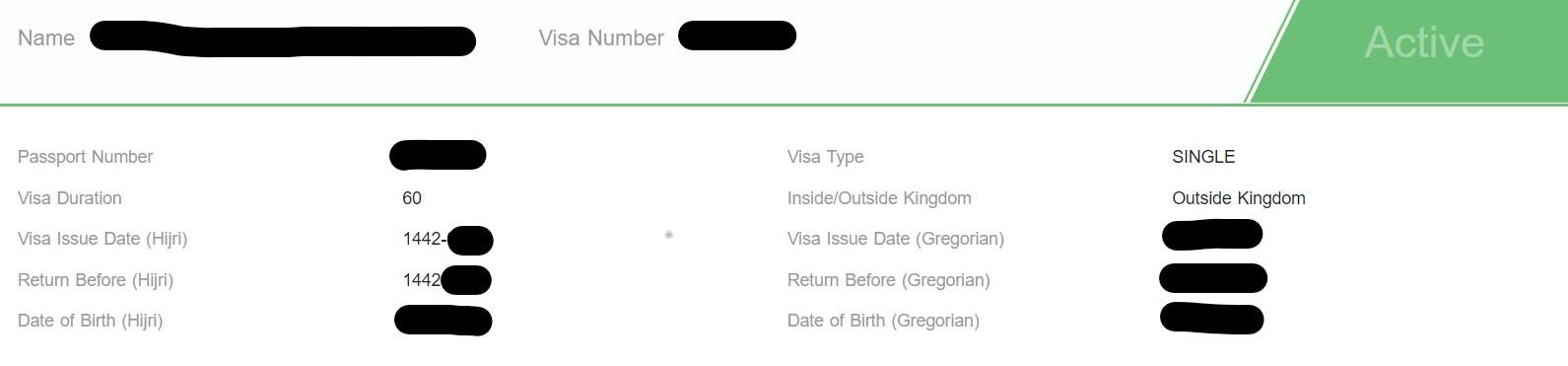
Details are fetched as shown below